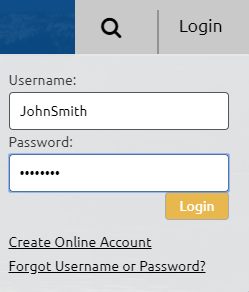
- Login to your PERS web account:
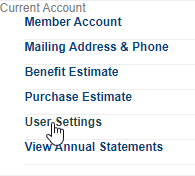
- Click User Settings from the menu on the left side:
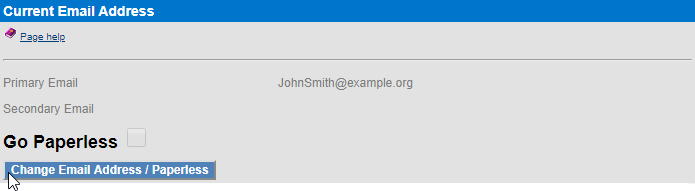
- Click the Change Email Address / Paperless button:
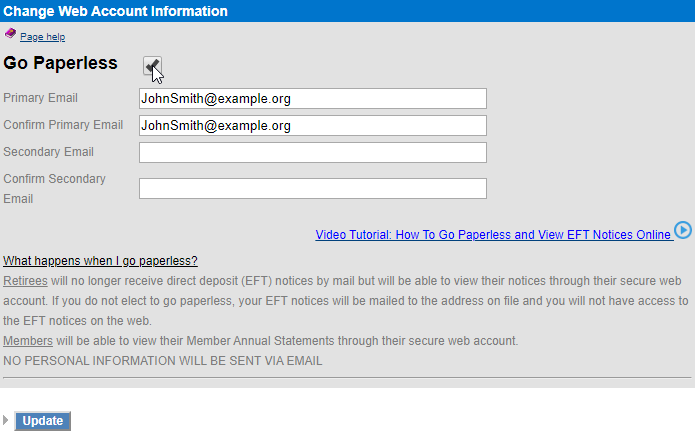
- Ensure the Go Paperless box is checked and click Update:
- Click Save These Changes on the next page:
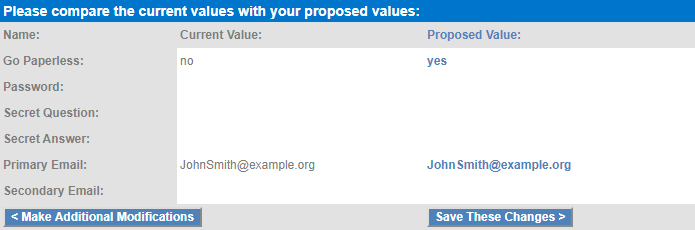
- Your account is now set up to receive electronic statements